About this free mortgage recast calculator
This is a free mortgage recast calculator built to answer one question precisely: what happens to your monthly payment if you put a lump sum toward your principal and ask your servicer to re-amortize the loan? Enter your balance, rate, remaining term, current payment, and lump sum, and the tool runs entirely online in your browser, updating as you type. There is no signup, no email gate, and no usage limit. If you are hunting for the best mortgage recast calculator for your situation, judge any tool on three things: the math must keep your rate and term fixed (a recast is not a refinance), it must subtract the recast fee from your savings, and you must be able to verify the method. Those three checks are exactly what this calculator was built around.
With amortization schedules and extra payments
Most tools stop at the new payment. This is a mortgage recast calculator with amortization built in: it produces the complete before-and-after schedule, year by year or payment by payment, so you can see how much of every dollar goes to interest versus principal. It also works as a mortgage recast calculator with extra payments. The "lump sum only" scenario models paying principal down without recasting, and the keep-paying toggle shows what happens if you recast and then keep sending your old payment anyway, which shortens the payoff while keeping a lower required floor. General-purpose amortization calculators on portals like Bankrate can chart a loan, but they are not built to compare recasting against refinancing and extra principal side by side, and in our testing of page-one tools, none subtracted the recast fee from the savings figure. This one does, and shows the month the fee pays for itself.
The formula, with a worked example
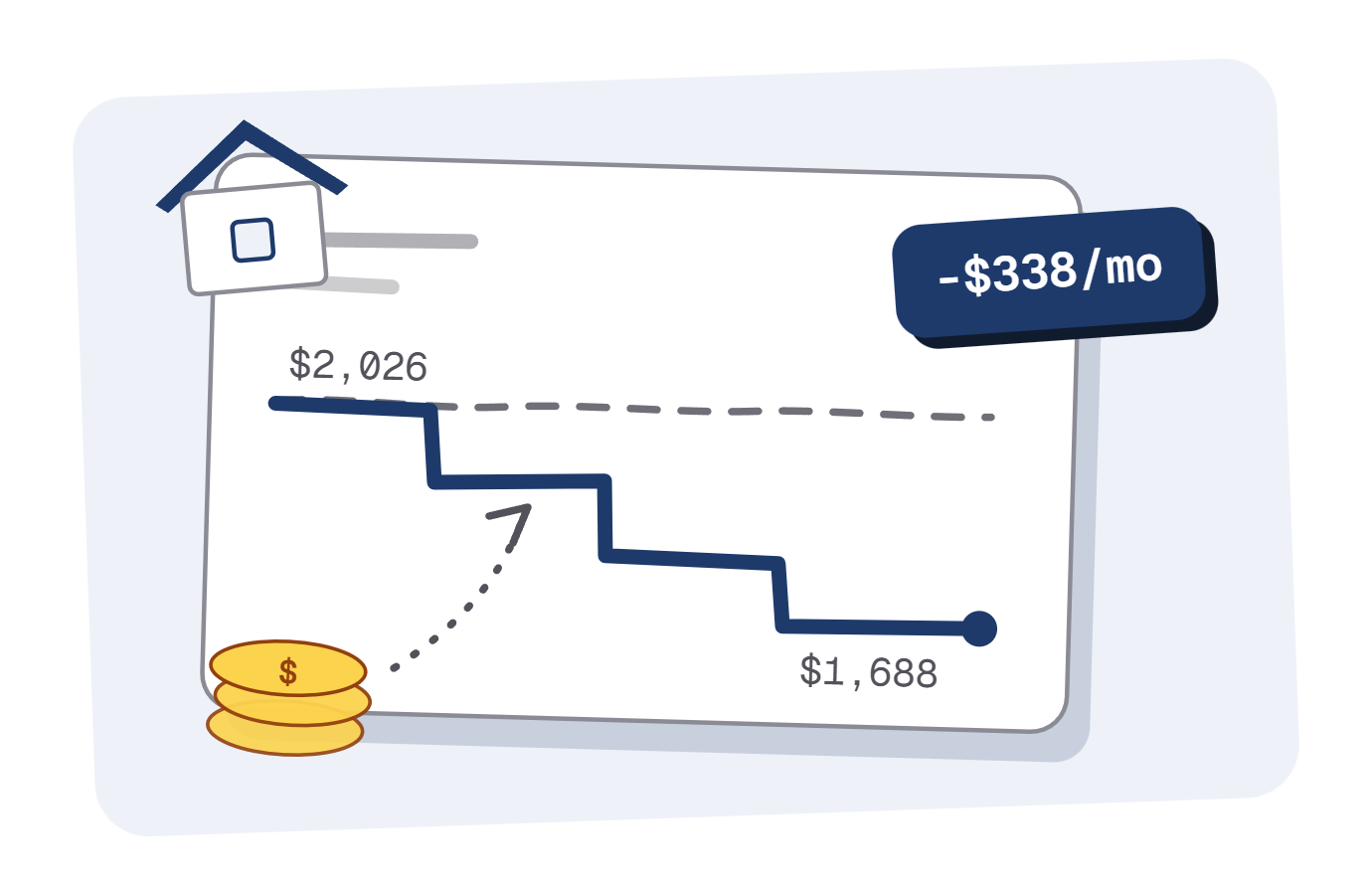
The mortgage recast calculator formula is the standard amortization equation: M = P x [r(1+r)^n] / [(1+r)^n - 1], where P is your balance after the lump sum, r is your monthly rate, and n is the months remaining. The rate and the term never change; only the principal does. A quick mortgage recast calculator example: $300,000 at 6.5% with 25 years left costs about $2,026 a month. Apply a $50,000 lump sum and the same formula on $250,000 gives $1,688, keeping roughly $338 every month. Every figure here is computed in exact integer cents and checked against 66 automated tests; the full method, including how rounding is handled, is documented on our methodology page. If you would rather build a mortgage recast calculator in Excel yourself, the formula above drops straight into Excel's PMT function, and the free Excel export gives you the same numbers without building anything.
Chase, Rocket Mortgage, Wells Fargo, Bank of America, and other servicers
Recast math is identical everywhere, so this works as a Chase mortgage recast calculator, a Rocket Mortgage recast calculator, or a Wells Fargo or Bank of America mortgage recast calculator, and just as well for Mr. Cooper, Truist, Newrez, or a smaller servicer like Movement Mortgage. What differs by lender is policy, not arithmetic: the servicer dropdown auto-fills the documented fee and minimum for ten major lenders from their own published pages, links to our verified fee table, and warns you when your lump sum is below your lender's documented minimum.
Escrow, taxes, and insurance
Enter principal and interest only. A recast changes the P&I portion of your bill; escrow for taxes and insurance is set separately by your servicer and continues on top of whatever new payment you see here. That is why there is no escrow field: a home mortgage recast calculator with escrow bundled in would only blur the one number a recast can actually change. Add your current escrow amount to the result to estimate your full bill.